Field guide / A restrained finish
An Outdoor Edit That Holds Up
A useful edit makes the photograph easier to read while leaving the afternoon intact. Work from large decisions to small ones, and keep a route back to the original.

Start by protecting and selecting
Copy your photographs to a clearly named folder and keep a separate backup before deleting a memory card. Preserve the original files. If your editor supports nondestructive adjustments, use them; otherwise work on a duplicate. A folder name that includes the date and subject is more useful than a vague label you will not recognize next month.
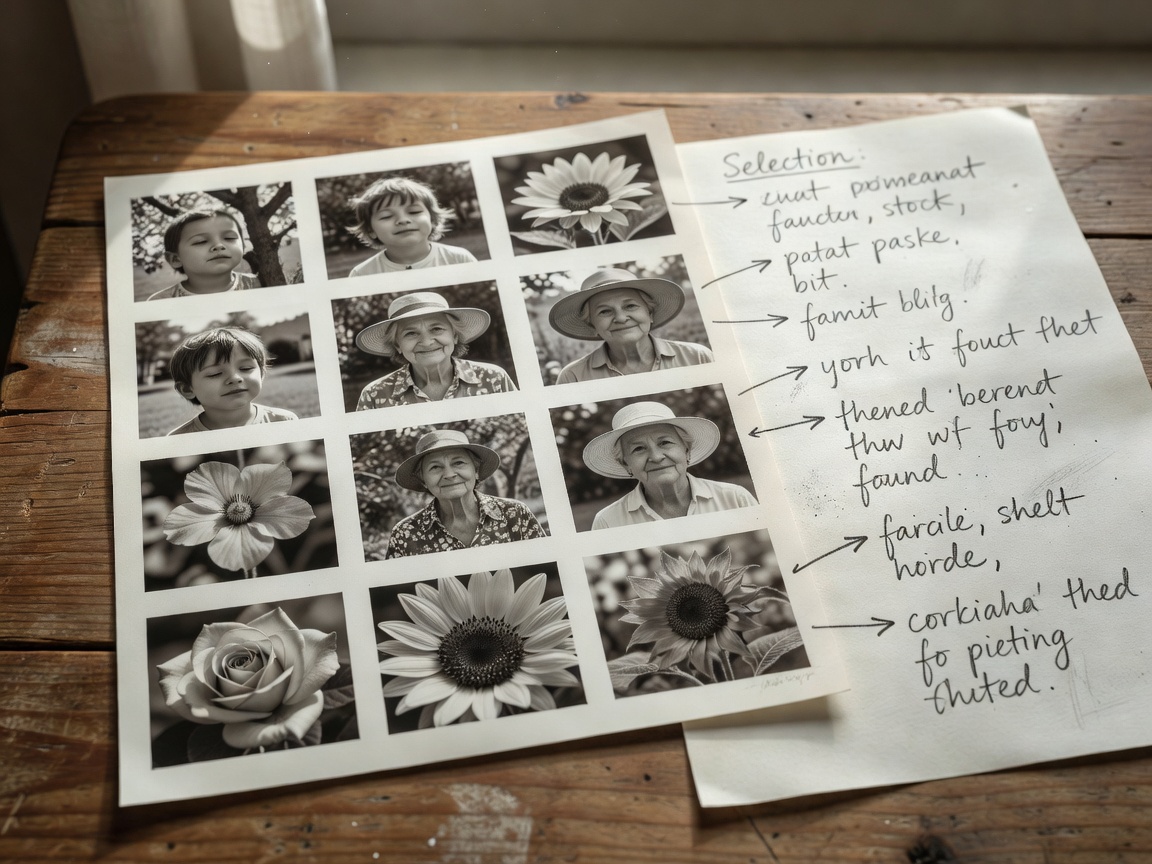
Make your first selection for expression, composition, and focus. Enlarge the important area to check movement, then return to a whole-image view. Do not spend time polishing a frame whose main subject is unintentionally soft when a sharper, equally expressive alternative exists. Keep a few variations until you understand how the final group works together.
Settle the frame and the overall light
Check rotation and crop early. A small crop can remove an intrusive corner or give a face more breathing room, but an aggressive crop reduces the pixels available for output. Keep the intended use in mind. A square album image and a wide website banner may need different versions rather than one compromise that serves neither well.
Adjust overall exposure until the main subject feels plausible. Then examine highlights and shadows separately. Recovering some bright petal detail can help; pulling every bright area down until it turns gray usually does not. Likewise, lifting shadows until a hedge is as bright as a face removes the direction that made the light interesting.
Balance color without neutralizing the weather
White balance is a starting interpretation, not a demand that every scene look neutral. Shade may look cooler than low sunlight, and that difference can belong in the picture. If you photographed a genuine neutral reference, use it as a guide. A white flower is not automatically neutral: reflected foliage, translucent petals, and clipped highlights can make it misleading.
Judge skin separately from greenery. A face near a lawn may carry a green reflection that remains after a global white-balance change. A gentle local correction can be better than warming the whole picture until the garden turns yellow. Different editors offer different controls, but the principle is consistent: fix the affected area rather than distorting everything else.
If every part of the picture asks for attention, the edit has stopped helping.
A flat comparison before you go further
| Adjustment | Useful intention | Reason to stop |
|---|---|---|
| Shadow lift | Reveal a necessary expression or texture | Dark areas become noisy or lose their depth |
| Saturation | Restore color that feels weak in the rendering | Leaves become fluorescent or petals lose subtle variation |
| Local contrast | Separate meaningful small structures | Skin looks harsh or bright halos appear |
| Sharpening | Improve edge definition for the final output | Fine edges look brittle or noise becomes prominent |
Use local work to guide attention
A modest local brightening can make a shaded face easier to read. A slight darkening near an intrusive bright corner can reduce its pull. Use broad, feathered transitions and toggle the adjustment off and on. If you can immediately see the boundary of the correction, soften it or reduce its strength.
Remove small temporary distractions only when that suits the photograph's purpose. Dust spots and an overlooked scrap of litter are different from changing a person's body or inventing a flowering plant. For documentary or competition use, follow the relevant rules and disclose substantial changes when appropriate. Keep an unaltered original so your decisions remain reversible and explainable.
Handle texture at the right viewing size
Noise reduction can smooth a high-ISO shadow, but too much can erase hair, leaf veins, and natural skin texture. Apply only enough to support the intended output. Sharpening increases edge contrast; it cannot restore detail that was never recorded. Check at a one-to-one pixel view, then inspect the whole image at its likely display size.
A photograph intended for a small web page does not need to survive endless inspection at extreme magnification. Conversely, a larger print deserves a careful proof. Avoid judging on a screen set to maximum brightness in a dark room. A consistent, moderate display brightness and stable room light make your comparisons more dependable.
Export a copy with a clear purpose
For broad web compatibility, an sRGB JPEG is a practical default. Use a pixel size suited to the destination rather than uploading your largest file automatically. A long edge around 2000 pixels can be a useful starting point for many online uses, but the destination's requirements take priority. Check the exported file because resizing and compression can change its appearance.
Review metadata before sharing. Location data may reveal a private home, and embedded names may identify someone who did not expect public exposure. Keep a full-quality original and a separate export, then name the output descriptively. If you are preparing a seasonal series, compare the exports together one final time. Consistency should connect them without erasing the different light you observed.